Niagara 4 Extended Technician Training
AmeWelcome to the Course
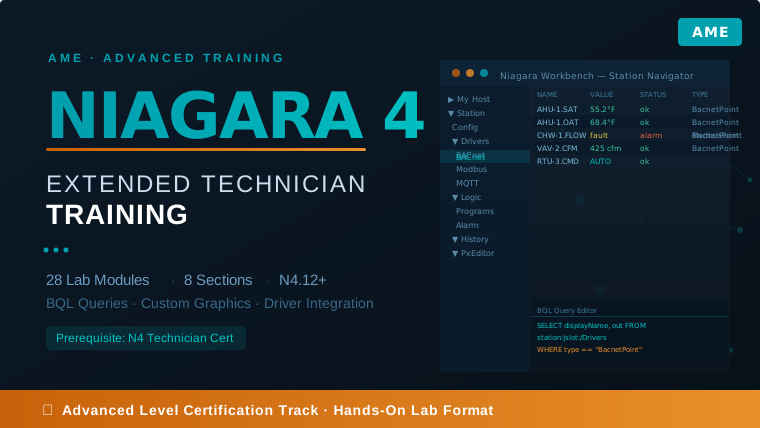
The Niagara 4 Extended Technician Training course is an advanced, lab-first program designed for BAS professionals ready to master complex Niagara 4.12+ implementations. Building on foundational N4 skills, this course dives deep into station management, driver integration, custom programming, and enterprise-level system architecture — equipping you to work independently on the hardest Niagara 4 problems your customers bring you.
Throughout 28 structured lab modules, you will work directly inside a live Niagara 4 Workbench environment to configure advanced features including passphrase management, certificate-based security, custom Tag Dictionaries, BQL queries, relativized Px graphics, and third-party protocol drivers (BACnet, Modbus, MQTT, SQL, OPC-UA). Each lab includes step-by-step procedures, background theory, and interactive knowledge checks that reinforce every critical concept before you advance.
Labs build on each other deliberately: tags you create in Section 2 are queried in Section 3, those queries feed dashboards in Section 4 and reports in Section 7, and graphics in Section 4 bind to the same data model. By the final lab you will have built a complete, production-quality station from scratch — ready to earn your Niagara 4 Extended Technician Certification.
Course at a Glance
- 28 Lab Modules across 8 course sections
- 8 Course Sections — progressively building a full N4 station
- 45+ Hands-on Exercises inside live Workbench environments
- Interactive Knowledge Checks after every lab
- Niagara 4.12+ compatible (tested on N4.9 and later)
- Certification Track — prepares you for the N4 Extended Technician exam
What You Will Learn
- Section 1 — Station Management & Security: Station copy/passphrase reset, Security Dashboard configuration, TLS/certificate management, and Emergency Override controls
- Section 2 — Tagging & Navigation: Custom Tag Dictionaries, BooleanFilterRules for auto-tagging, tag-based navigation trees, and Haystack/Brick taxonomy integration
- Section 3 — BQL Queries & Programmatic Control: Writing SELECT/FROM/WHERE/STOP queries, live point reports, ProgramService Batch Editor for bulk history and alarm extensions
- Section 4 — Custom Graphics & Visualization: Relativized Px graphics with pxInclude and variable substitution, Hx framework dashboard widgets, binding live data to UI components
- Section 5 — Integration & Drivers: MQTT broker configuration, JSON Toolkit for REST APIs, SQL driver for database logging, HTTP Client driver, OPC-UA device integration
- Section 6 — Templates & Deployment: Template-driven station provisioning, component libraries, and multi-site deployment strategies
- Section 7 — Reporting & Diagnostics: Building automated history reports, email scheduling, alarm journaling, and station health diagnostics
- Section 8 — Certification Preparation: Full station build review, exam-style knowledge checks, and certification readiness assessment
Let's get started!
Begin with Lab 1 in Section 1. Each section builds on the previous one, so completing them in order is strongly recommended. Make sure your Niagara 4 Workbench environment is set up and your platform daemon is running before your first lab session.